Prometheus Quick Start for MySQL Monitoring
This article explains how to use dbbot to quickly deploy a Prometheus + Grafana + Alertmanager stack and connect MySQL plus host exporters.
1. Environment example
| IP Address | HOSTNAME | Deployment Component |
|---|---|---|
| 192.168.199.131 | 192-168-199-131 | MySQL primary node, node_exporter, mysqld_exporter, dbbot |
| 192.168.199.132 | 192-168-199-132 | MySQL replica node, node_exporter, mysqld_exporter |
| 192.168.199.133 | 192-168-199-133 | MySQL replica node, node_exporter, mysqld_exporter |
| 192.168.199.161 | 192-168-199-161 | Prometheus, Grafana, Alertmanager |
2. Preparation
- Complete MySQL deployment first (please refer to MySQL Deployment Quick Start).
- Confirm that the dbbot control node can SSH to the target node.
3. Deploy the Monitoring Stack
3.1 Configure hosts
Edit:
/usr/local/dbbot/monitoring_prometheus_ansible/inventory/hosts.ini
Example:
[prometheus]
192.168.199.161 ansible_user=root ansible_ssh_pass="'<your_password>'"
[grafana]
192.168.199.161 ansible_user=root ansible_ssh_pass="'<your_password>'"
[alertmanager]
192.168.199.161 ansible_user=root ansible_ssh_pass="'<your_password>'"
3.2 Prepare installation package
Put it in the directory: /usr/local/dbbot/monitoring_prometheus_ansible/downloads
prometheus-2.54.0.linux-amd64.tar.gzgrafana-enterprise-10.4.6.linux-amd64.tar.gzalertmanager-0.27.0.linux-amd64.tar.gz
3.3 Configure alarm email
Edit playbooks/common_config.yml:
alert_email_to: 'your_mail@example.com'
alert_email_from: 'your_mail@example.com'
alert_smtp_smarthost: 'smtp.example.com:587'
alert_smtp_auth_username: 'your_mail@example.com'
alert_smtp_auth_password: 'smtp_auth_password'
3.4 Execute deployment
cd /usr/local/dbbot/monitoring_prometheus_ansible/playbooks
ansible-playbook monitoring_prometheus_deployment.yml
4. Deploy exporter
Default value notes:
node_exporter_install_type: dbbotmysqld_exporter_install_type: dbbotmysqld_exporter_topology: ms
This means that the exporter binary that comes with the dbbot repository is used by default and does not rely on GitHub Release download.
Edit mysql_ansible/playbooks/vars/var_exporter_install.yml and execute:
cd /usr/local/dbbot/mysql_ansible/playbooks
ansible-playbook exporter_install.yml
Additional instructions:
- For primary-replica or single-instance scenarios, just keep
mysqld_exporter_topology: ms. - Changed to
mysqld_exporter_topology: mgronly in MGR scenario. - The default value of
mysqld_exporter_porthas been changed toauto. dbbot will automatically derive the exporter port as9104 + (mysql_port - 3306). - Automatically derived example:
mysql_port: 3306->mysqld_exporter_port: 9104mysql_port: 3307->mysqld_exporter_port: 9105mysql_port: 3310->mysqld_exporter_port: 9108
- If you prefer to control the port manually, you can also set it explicitly, for example
mysqld_exporter_port: 9201. - If you explicitly switch to
packagemode, you need to put thenode_exporterandmysqld_exporterinstallation packages intomysql_ansible/downloads/in advance, or allow dbbot to control the node to access GitHub Release.
5. Register exporter to Prometheus
Use exporterregistrar:
- The binaries that come with the source code repository are located in
mysql_ansible/playbooks/exporterregistrar. - The
exporterregistrarthat comes with the distribution package has been built according toCGO_ENABLED=0,GOOS=linux,GOARCH=amd64,GOAMD64=v1, and is suitable for direct operation on common Red Hat system Linux x86_64 control nodes. - If you have modified the Go code yourself, or the control node is not
Linux amd64, you can entermysql_ansible/exporterregistrar/and re-executesh build.shto generate a new compatibility binary.
cd /usr/local/dbbot/mysql_ansible/playbooks

# node exporter
./exporterregistrar register -t node -H 192.168.199.131 -s 192.168.199.161 -p ${prometheus_server_root_password}
./exporterregistrar register -t node -H 192.168.199.132 -s 192.168.199.161 -p ${prometheus_server_root_password}
./exporterregistrar register -t node -H 192.168.199.133 -s 192.168.199.161 -p ${prometheus_server_root_password}

# mysqld exporter: MySQL 3307 -> exporter 9105
./exporterregistrar register -t mysql -H 192.168.199.131 --db-port 3307 -s 192.168.199.161 -p ${prometheus_server_root_password} --topology mgr
./exporterregistrar register -t mysql -H 192.168.199.132 --db-port 3307 -s 192.168.199.161 -p ${prometheus_server_root_password} --topology mgr
./exporterregistrar register -t mysql -H 192.168.199.133 --db-port 3307 -s 192.168.199.161 -p ${prometheus_server_root_password} --topology mgr

# mysqld exporter: MySQL 3310 -> exporter 9108
./exporterregistrar register -t mysql -H 192.168.199.131 --db-port 3310 -s 192.168.199.161 -p ${prometheus_server_root_password} --topology ms
./exporterregistrar register -t mysql -H 192.168.199.132 --db-port 3310 -s 192.168.199.161 -p ${prometheus_server_root_password} --topology ms
./exporterregistrar register -t mysql -H 192.168.199.133 --db-port 3310 -s 192.168.199.161 -p ${prometheus_server_root_password} --topology ms
If you explicitly specify a non-automatic port for mysqld_exporter_port, append -P when registering.
6. Validation
- Prometheus:
http://192.168.199.161:9090 - Grafana:
http://192.168.199.161:3000 - Alertmanager:
http://192.168.199.161:9093
Grafana default login:
- Username:
admin - Password:
admin
It is recommended to change your password immediately after logging in for the first time.
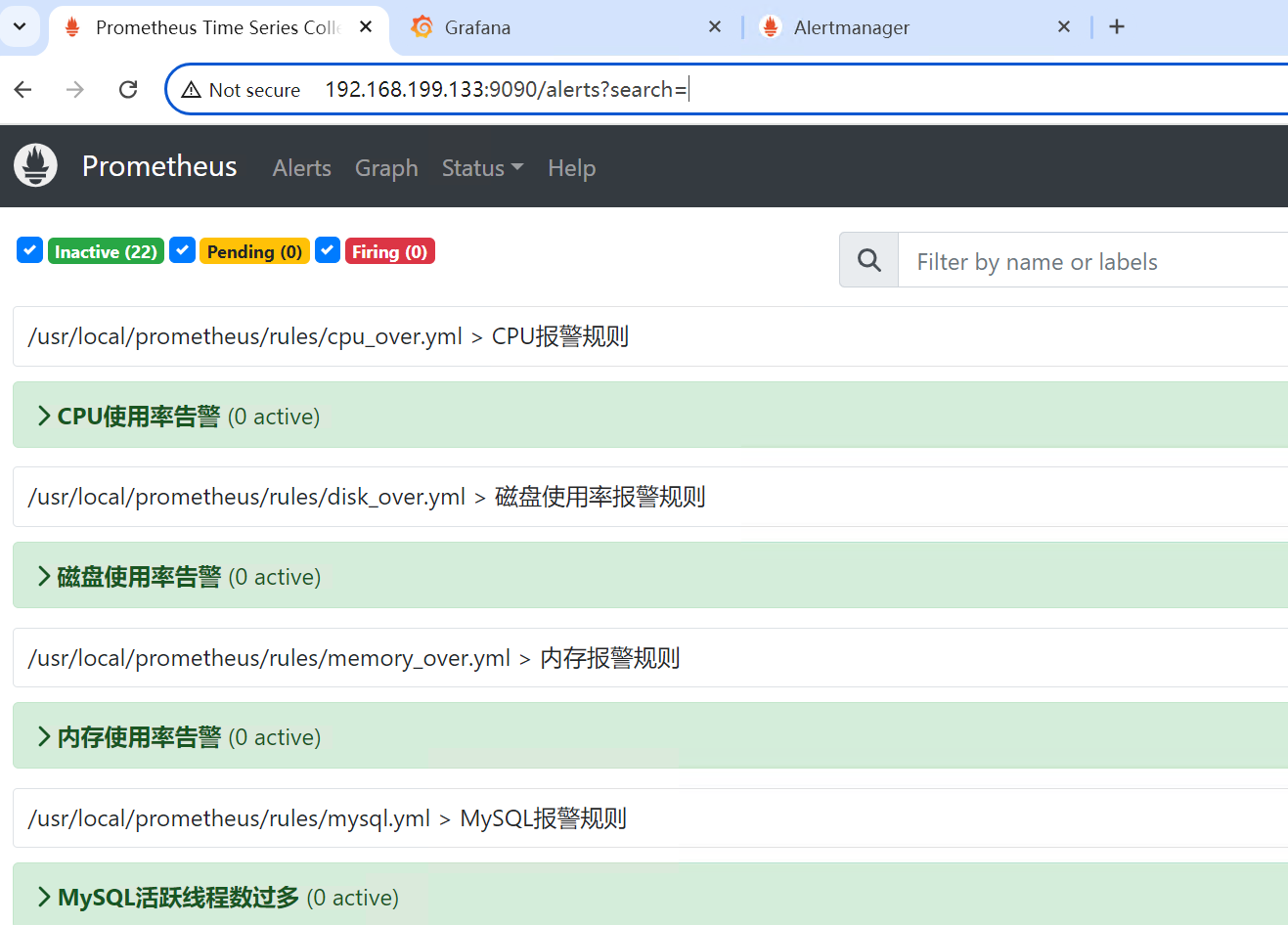
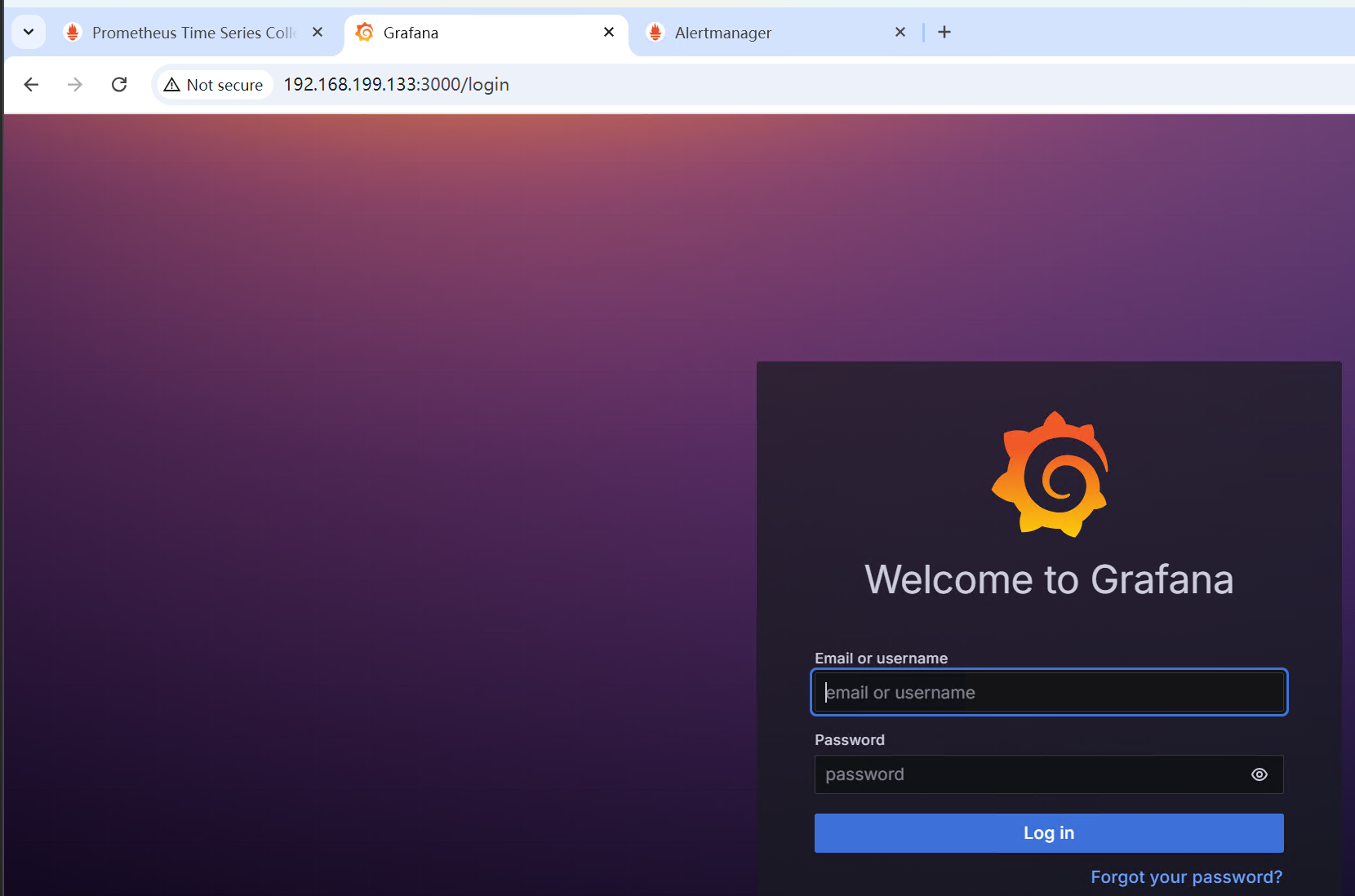
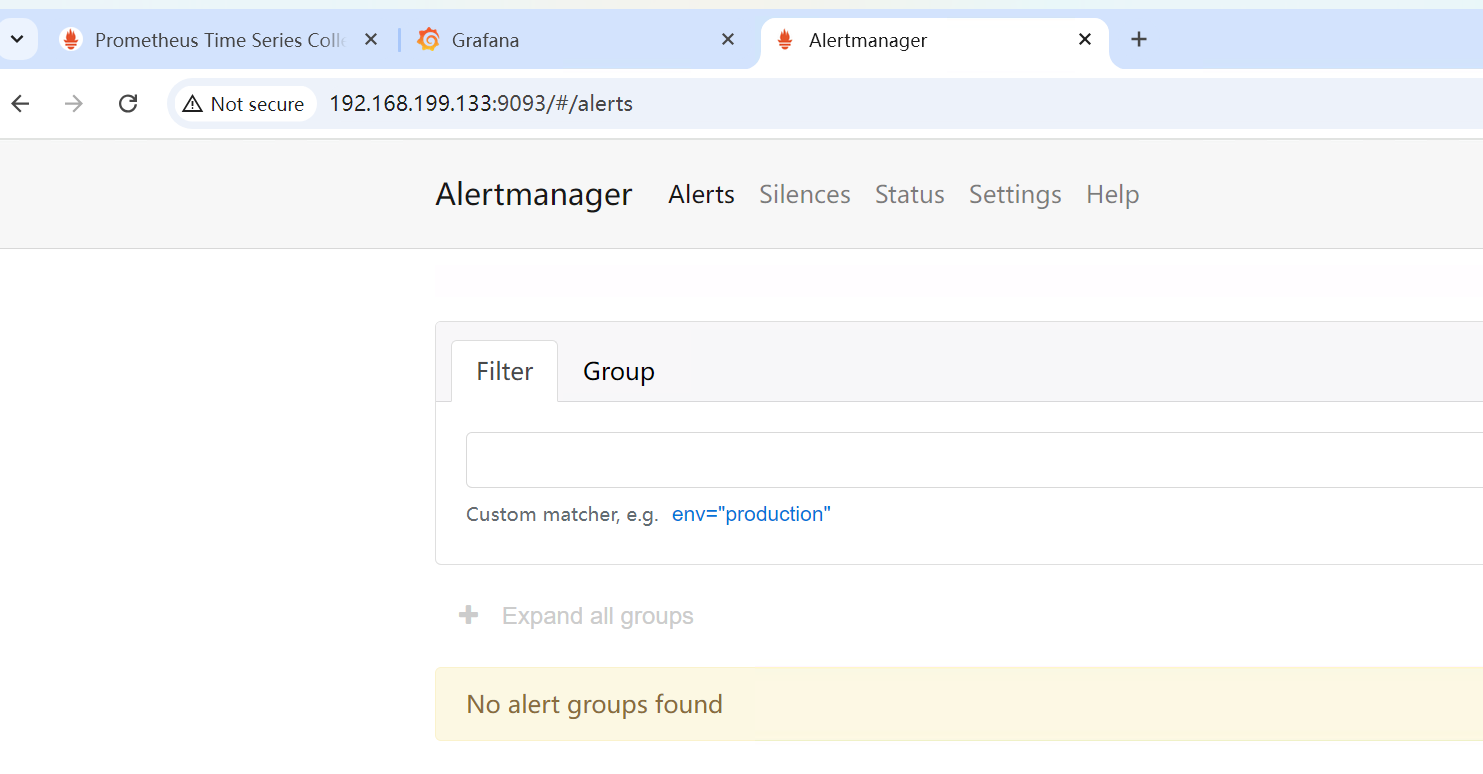
Alert joint debugging suggestion: Execute stop replica; in the replica node and observe the status changes of Prometheus/Grafana/Alertmanager.